> For the complete documentation index, see [llms.txt](https://docs.yansalabs.com/add-to-update-set/llms.txt). Markdown versions of documentation pages are available by appending `.md` to page URLs; this page is available as [Markdown](https://docs.yansalabs.com/add-to-update-set/overview/introduction.md).
# Introduction
**Add to Update Set is one of the most-loved developer tools for ServiceNow, used by hundreds of developers for more than a decade!**
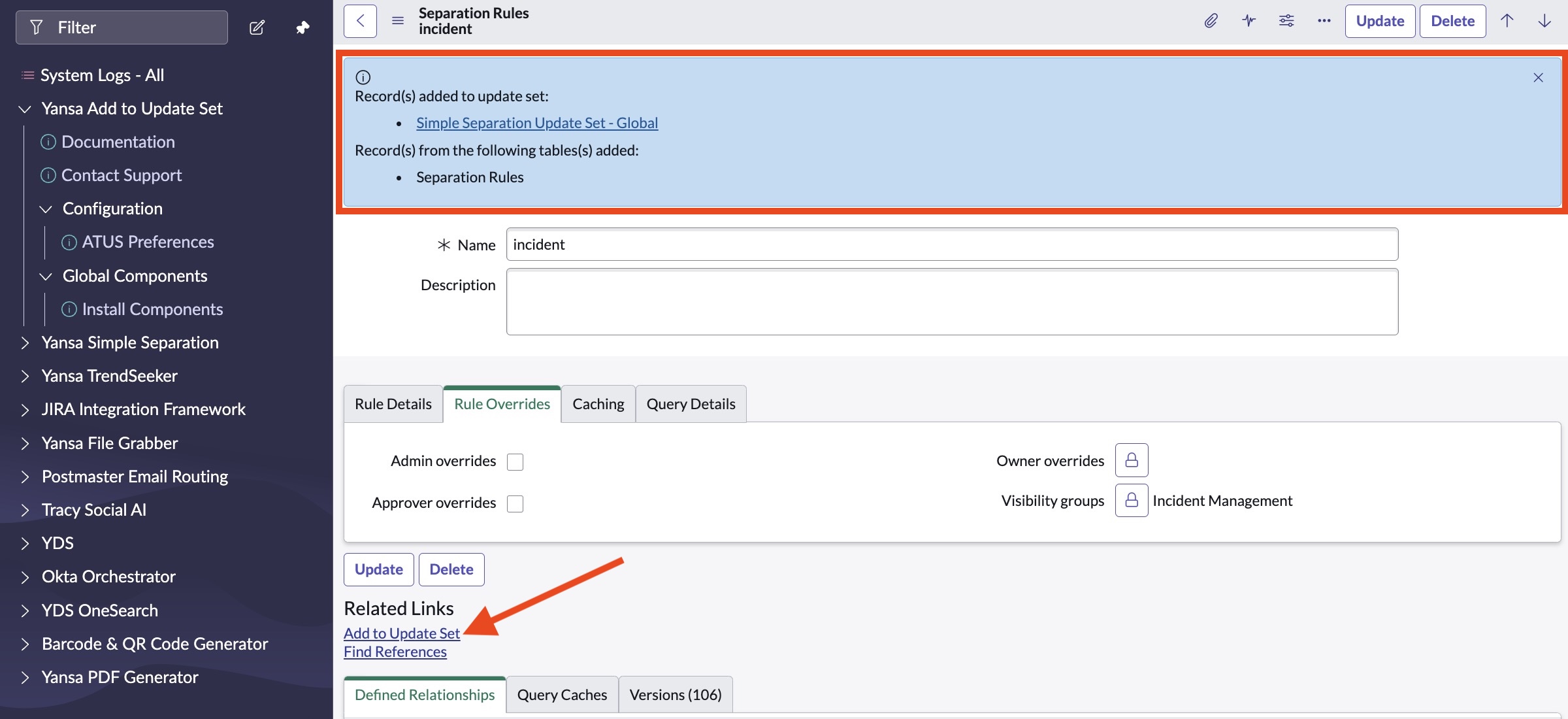
Add to Update Set is a utility for ServiceNow admins that will add any record (plus attachments, translations, and many dependencies) to the active update set.
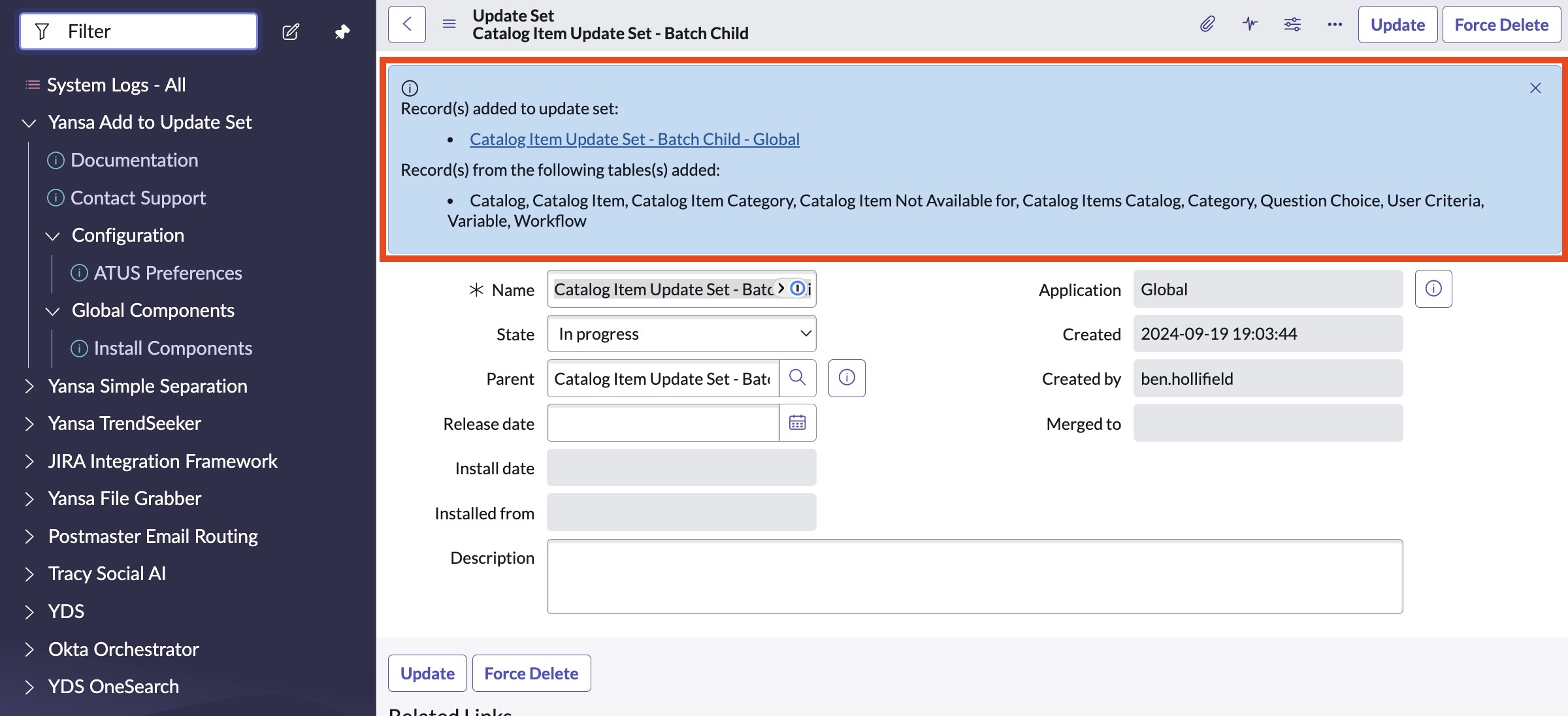
In the case of multi-scope record sets, the utility will automatically generate appropriate update sets in each application scope, bundling them under a batch update set for simple promotion to other ServiceNow instances.
* Appears as a link at the bottom of each record
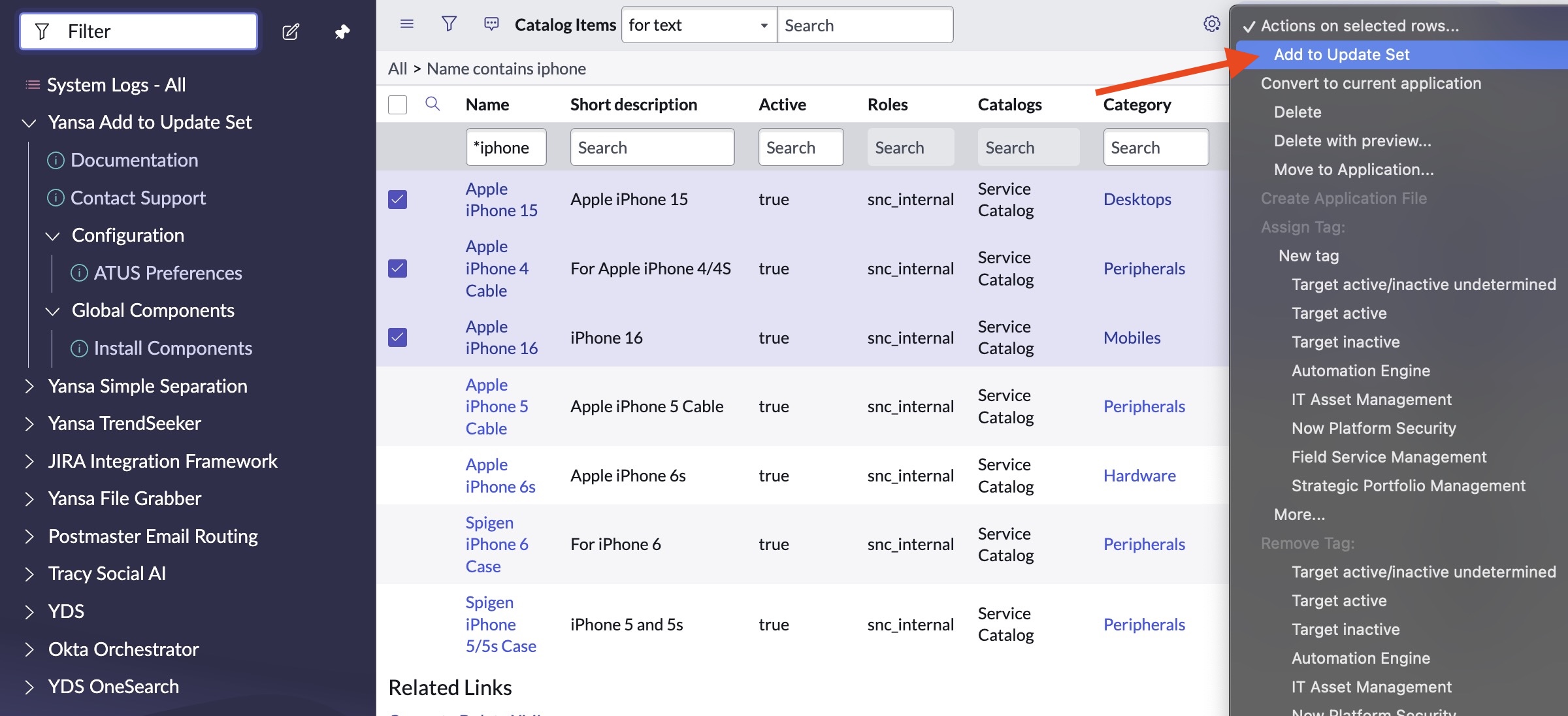
* For adding multiple records at once, appears as a drop-down menu option on each list